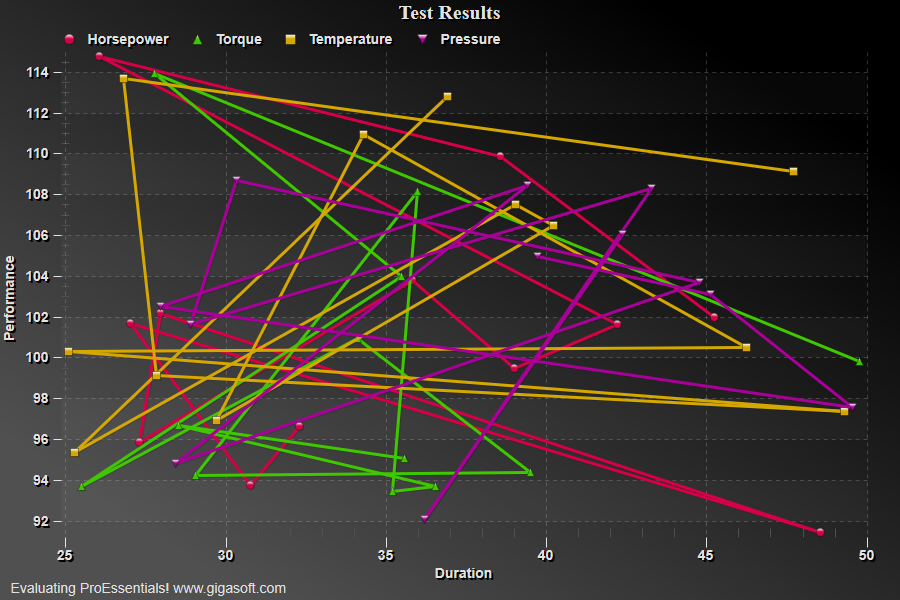
Example 125: Scientific Graph showing scatter plus data-point dragging
PesgoScientific Graph Objectadvanced
Scatter plus data-point dragging
Form3.cs
1//! Click and Drag symbols with mouse. //2 3// This example builds upon the basic CreateSimpleSGraph '100' example chart //4CreateSimpleSGraph(Pesgo1);5 6// Change the data to that of a scatter plot //7Pesgo1.PeData.Subsets = 4;8Pesgo1.PeData.Points = 12;9 10int s, p;11for (s = 0; s <= 3; s++)12{13 for (p = 0; p <= 11; p++)14 {15 Pesgo1.PeData.X[s, p] = (float)(25 + (Rand_Num.NextDouble() * 25.0F));16 Pesgo1.PeData.Y[s, p] = (float)(90 + (Rand_Num.NextDouble() * 25.0F));17 }18}19 20// Set the PlottingMethod to point //21Pesgo1.PePlot.Method = SGraphPlottingMethod.PointsPlusLine;22 23// Enable data hot spots //24Pesgo1.PeUserInterface.HotSpot.Data = true;25 26// Make Data hots spot locations larger //27Pesgo1.PeUserInterface.HotSpot.Size = HotSpotSize.Large;28 29// Disable some types of plotting methods //30Pesgo1.PePlot.Allow.Spline = false;31Pesgo1.PePlot.Allow.SplineArea = false;32Pesgo1.PePlot.Allow.PointsPlusSpline = false;33Pesgo1.PePlot.Allow.BestFitLine = false;34Pesgo1.PePlot.Allow.BestFitCurve = false;35Pesgo1.PePlot.Allow.Area = false;36 37Pesgo1.PeColor.BitmapGradientMode = true;38Pesgo1.PeColor.QuickStyle = QuickStyle.DarkNoBorder;39 40// Generally call ReinitializeResetImage at end **'41Pesgo1.PeFunction.ReinitializeResetImage();42Pesgo1.Invalidate();43// Optionally call Pesgo1.Refresh() if you are not seeing changes immediately44 45/*///////////////////////////////////////////////46// Code below is how dragging logic is formed ///47/////////////////////////////////////////////////48 49// In the Forms Class Declarations sections, add some variables //50Boolean bDragging;51int nDragIndexS;52int nDragIndexP;53 54//////////////////////////////////////////55// DataHotSpot event handler //56///////////////////////////////57private void Pesgo1_PeDataHotSpot(object sender, Gigasoft.ProEssentials.EventArg.DataHotSpotEventArgs e)58{59 bDragging = true; // Start dragging process, set flag to true60 nDragIndexS = e.SubsetIndex; // Store subset index61 nDragIndexP = e.PointIndex; // Store point index62}63 64/////////////////////////////////////65// MouseMove event handler //66/////////////////////////////67private void Pesgo1_MouseMove(object sender, System.Windows.Forms.MouseEventArgs e)68{69 int nA, nX, nY;70 double fX = 0, fY = 0;71 72 // get last mouse location within control //'73 System.Drawing.Point pt = Pesgo1.PeUserInterface.Cursor.LastMouseMove;74 75 nA = 0; // Initialize axis if using OverlapMultiAxes, else this function will76 // return the axis if MultiAxesSubsets is used without OverlapMultiAxes77 nX = pt.X; // Initialize nX and nY with mouse location78 nY = pt.Y;79 // This returns mouse coordinates in data units //80 Pesgo1.PeFunction.ConvPixelToGraph(ref nA,ref nX,ref nY,ref fX,ref fY, false, false, false);81 82 // Check move-to location and restrain to the chart's extents.83 // Note that you can only expect to read valid ManualMinX type84 // properties after an initial PEactions = 0 or PEactions = 185 // has been executed.86 if(fX <= Pesgo1.PeGrid.Configure.ManualMinX)87 fX = Pesgo1.PeGrid.Configure.ManualMinX;88 else if(fX >= Pesgo1.PeGrid.Configure.ManualMaxX)89 fX = Pesgo1.PeGrid.Configure.ManualMaxX;90 91 if(fY <= Pesgo1.PeGrid.Configure.ManualMinY)92 fY = Pesgo1.PeGrid.Configure.ManualMinY;93 else if(fY >= Pesgo1.PeGrid.Configure.ManualMaxY)94 fY = Pesgo1.PeGrid.Configure.ManualMaxY;95 96 // Change XData and YData to new location //'97 Pesgo1.PeData.X[nDragIndexS, nDragIndexP] = (float)(fX);98 Pesgo1.PeData.Y[nDragIndexS, nDragIndexP] = (float)(fY);99 100 // Performs a PartialReinitialize, ResetImage, and Invalidate //'101 Pesgo1.PeFunction.PartialReinitialize();102 Pesgo1.PeFunction.ResetImage(0, 0);103 Pesgo1.Invalidate();104}105 106///////////////////////////////////107// Example MouseUp event handler //108///////////////////////////////////109private void Pesgo1_MouseUp(object sender, System.Windows.Forms.MouseEventArgs e)110{111 bDragging = false;112}113 114*/Tip: Uses property syntax like
Pego1.PeData.Y[s, p]Click underlined properties to view documentation